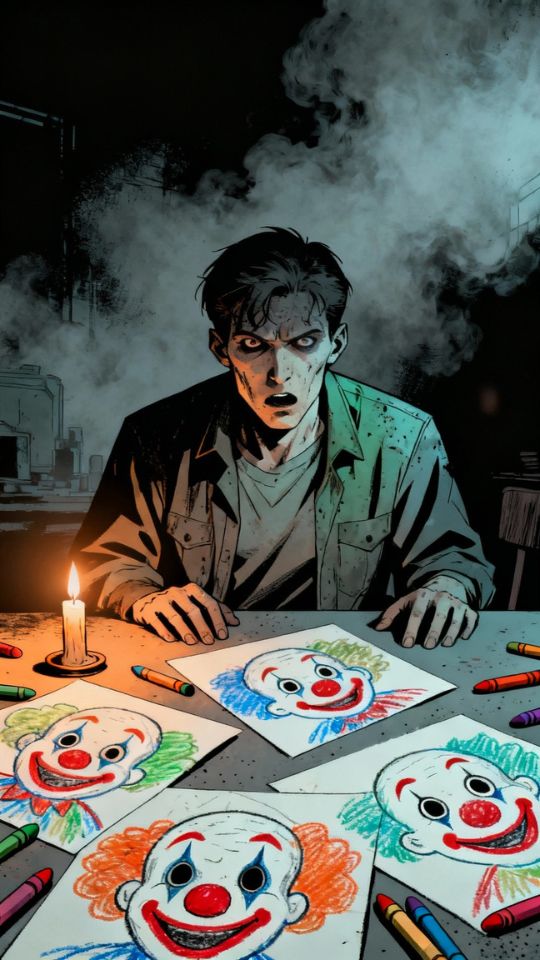
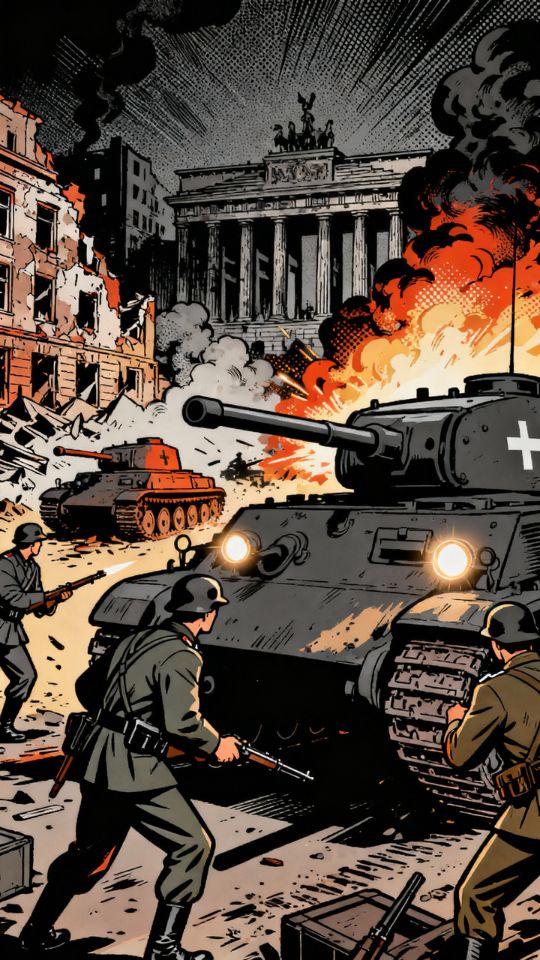
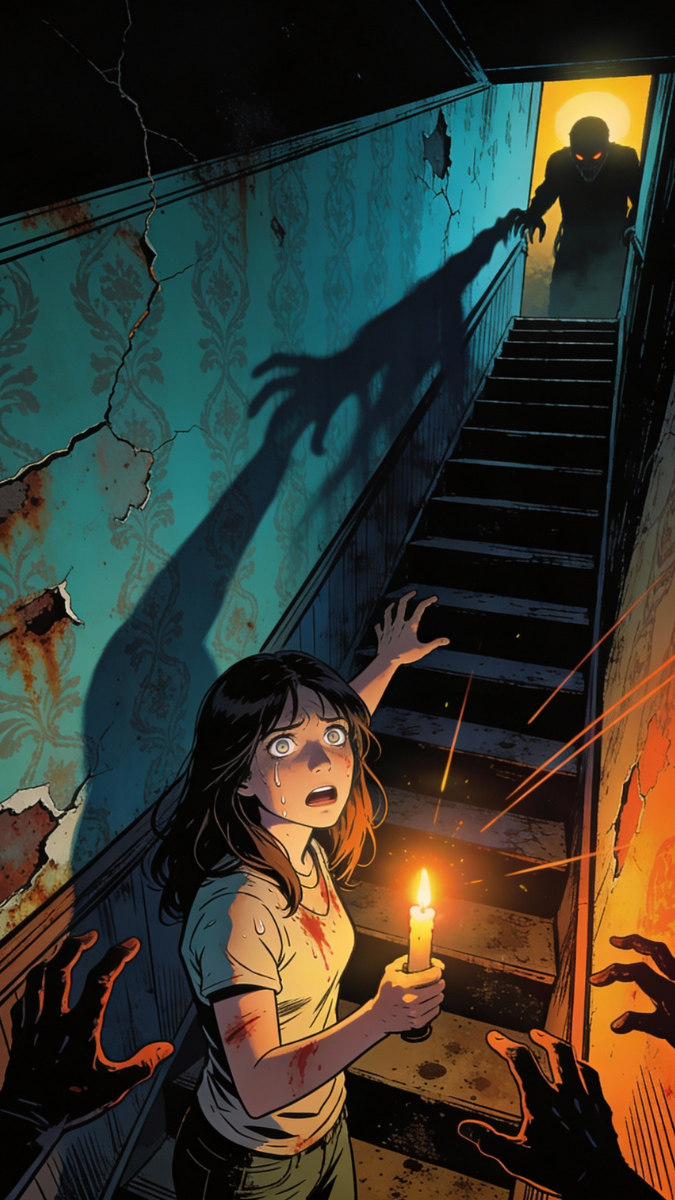
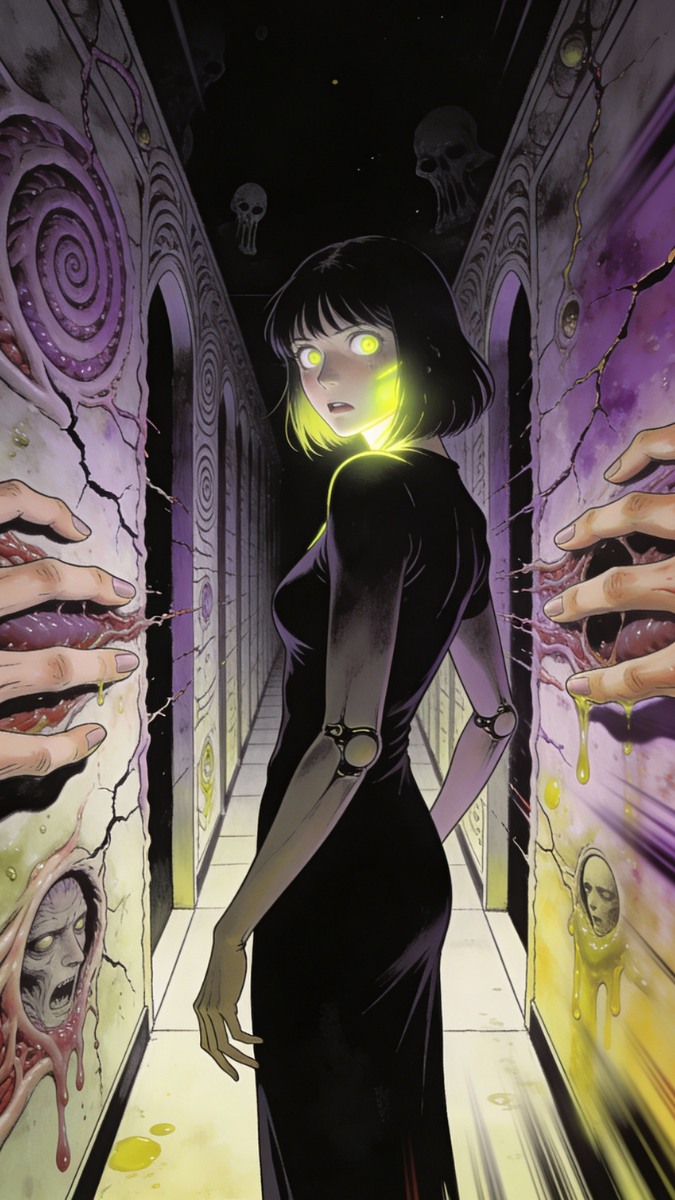
Text to Video AI Generator

Paste raw text, notes, or a topic. SwipeStory turns it into a short video with a stronger hook, clear structure, visuals, voiceover, and captions.

Add your source text

Paste the source material you want rewritten into video form.

Text
146/900
Number of words: 23
Estimated video duration: 15 seconds

Style Selection

Choose a style for your video

4k Realistic
Cinematic
Brick
Grunge
ClayPremium
Comic BookPremium
GhibliPremium
PlaygroundPremium
AnimePremium
HorrorPremium
Cosmic HorrorPremium
RenaissancePremium
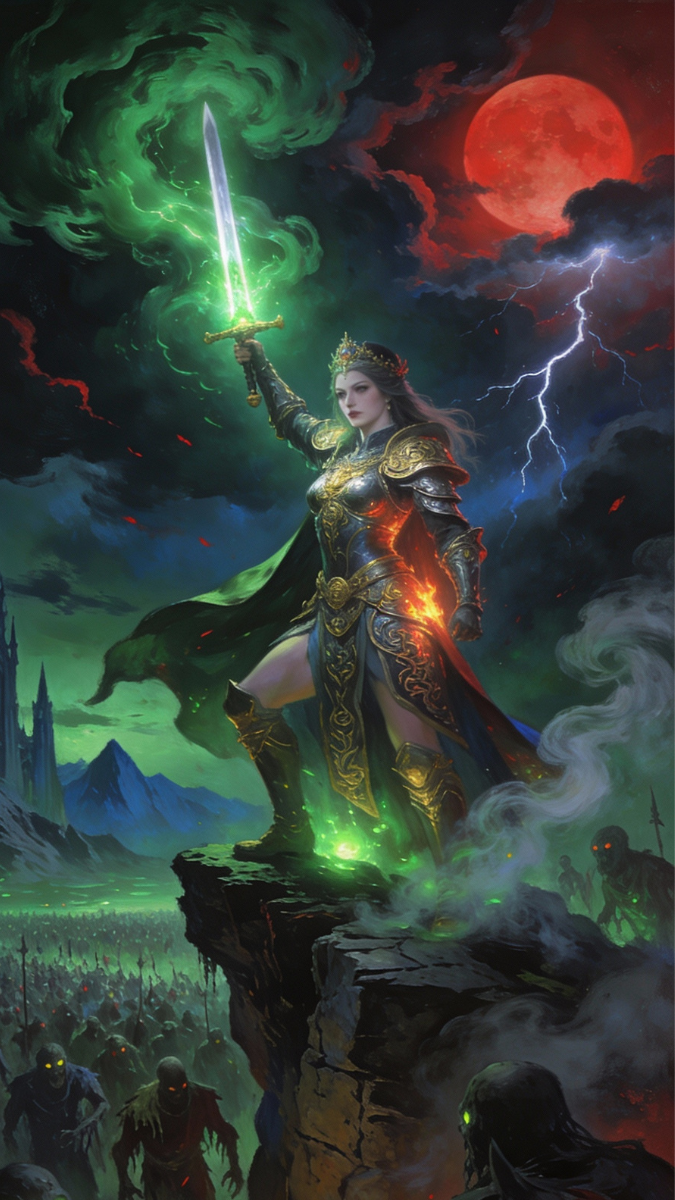
Dark FantasyPremium
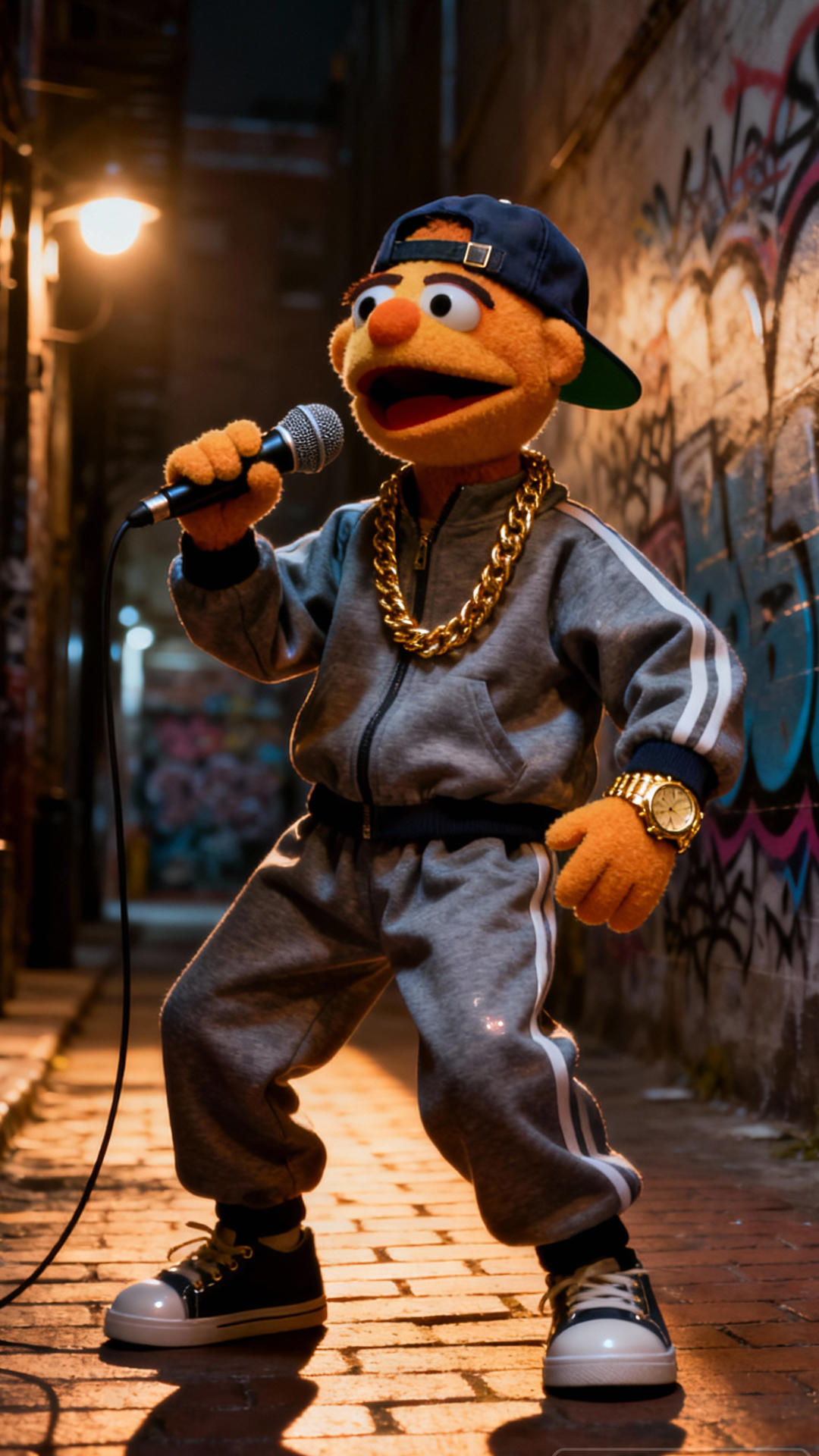
MuppetPremium
VoxelPremium
TextilePremium

Select a voice

Choose a voice for your video narration

Adam

Clear creator narration for short-form videos.

John

Natural storytelling for explainers and narratives.

Alex

Upbeat delivery for social media videos.

Brittney

Bright voice for education and social content.

Bill

Authoritative voice for teaching and explainers.

Hope

Warm voice for motivational and story videos.

1,925 people used this tool in the last 24h

How Text to Video Works

1

Add your text

Paste or describe the text you want to turn into a short-form video.

2

Choose style and voice

Pick a visual style, AI voice, language, captions, and music direction that fit the audience.

3

Generate the video

SwipeStory assembles the script, narration, visuals, pacing, and captions into a text-based video.

4

Edit and publish

Review the generated video, adjust scenes or captions, then download or publish it for social platforms.

Tool Details

Why Use Text to Video

Text to Video is the best fit when you have source text but not a final video script. SwipeStory can reshape the text into a short-form structure before generating a social-ready video.

Raw text becomes a paced short

SwipeStory reshapes source text into a hook, short narration, visuals, and captions.

  • Script, visuals, narration, and captions in one workflow
  • Vertical 9:16 output for TikTok, Reels, and Shorts
  • Editable videos with style, voice, music, and caption controls
  • Text compressed into a short-form script

Text restructuring

Turn paragraphs or notes into a hook-led script that works for short attention spans.

Source-driven visuals

Use the meaning of the text to guide scene selection and visual tone.

Fast repurposing

Convert existing written content into short videos without starting from scratch.

Best use cases

Blog repurposing

Turn written posts into short videos for social distribution.

Knowledge clips

Transform notes, lessons, or insights into concise educational videos.

Product content

Convert feature notes or product messaging into short-form video ideas.

Common Questions

Got Questions? We've Got Answers

Learn how the Text to Video works and what you can create with it.

What does the Text to Video AI Generator do?

The Text to Video AI Generator turns raw text, notes, or paragraphs into a short-form video with AI-generated visuals, narration, captions, music options, and social-ready pacing.

Who is the Text to Video AI Generator best for?

It is best for teams that want to repurpose written content into social video without manually editing, especially when you need repeatable short-form videos without opening a traditional video editor.

Can I edit the generated video?

Yes. SwipeStory videos can be opened in the editor so you can adjust captions, scenes, music, voices, and final export settings before publishing.

What format does SwipeStory create?

SwipeStory focuses on vertical short-form videos for TikTok, YouTube Shorts, and Instagram Reels, with captions and pacing built for mobile feeds.

More Tools

Explore Similar AI Video Tools

SwipeStory logo

The fastest way to turn ideas into short-form videos.

    Text to Video AI - Convert Text Into Videos Online