Text to Short Video Guide
Stella writes SwipeStory guides about AI faceless video creation, short-form video strategy, creator tools, and automated publishing workflows.
The best text to short video workflow turns a paragraph, script, outline, or rough idea into a vertical video with one clear promise, a tight voiceover, relevant visuals, readable captions, and export settings that work on TikTok, YouTube Shorts, and Instagram Reels. Do not start by asking AI to "make a video." Start by deciding what the text should become: a script-led Short, a prompt-led story, or a repurposed clip from written content.
Updated May 18, 2026. We checked current YouTube, TikTok, Instagram, and SwipeStory product pages before writing this guide. Platform rules and disclosure requirements can change, so use the linked sources as your final reference before publishing a high-volume batch.
Quick Answer: What Does Text to Short Video Mean?
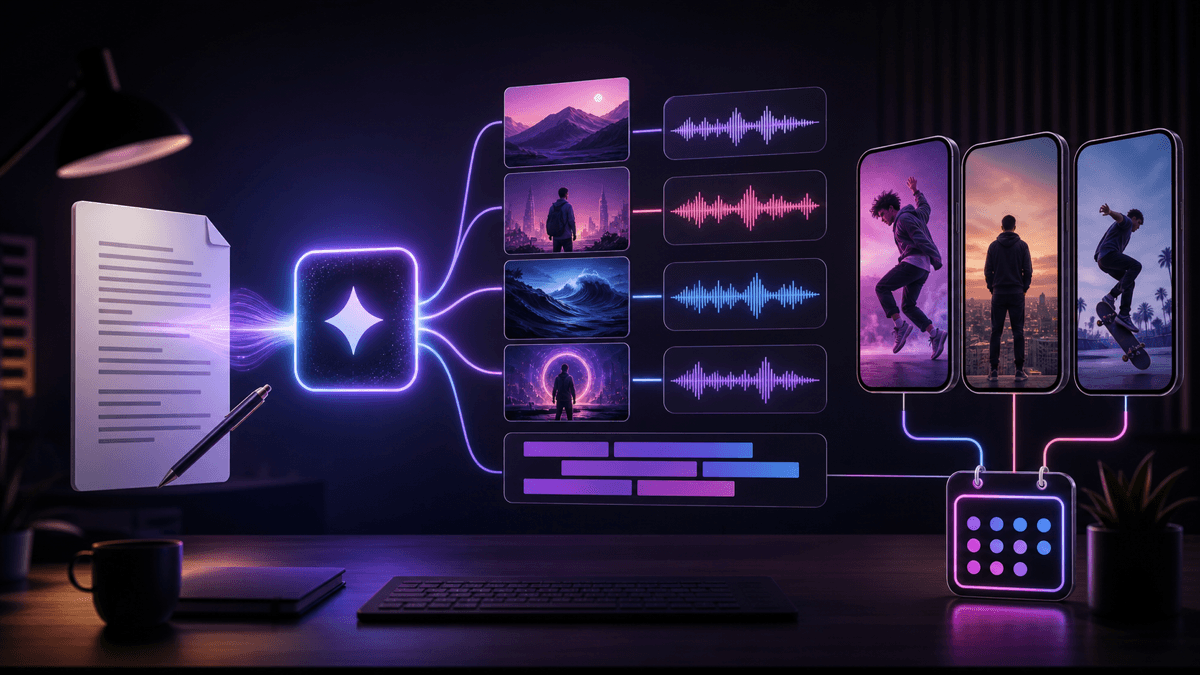
Text to short video means using written input as the source for a finished vertical video. That input might be a prompt, a blog paragraph, a product note, a finished narration script, a Reddit-style story, a list of facts, or a short content brief. A good tool rewrites the text into a short-form structure and then builds the video around it: scenes, voiceover, captions, music, timing, and final rendering.
There are three common workflows:
| Starting text | Better workflow | Why it matters |
|---|---|---|
| A rough topic or idea | Prompt to video | The tool needs to create the hook, script, scene plan, and pacing. |
| A paragraph, notes, or source material | Text to video | The tool needs to compress and rewrite the source into a short script. |
| A finished voiceover script | Script to video | The tool should preserve the wording and build scenes around it. |
If you have raw notes or written source material, start with SwipeStory's Text to Video tool. If the narration is already approved, use Script to Video AI. If you only have an angle or topic, Prompt to Video is the cleaner starting point.
The Platform Defaults to Build Around
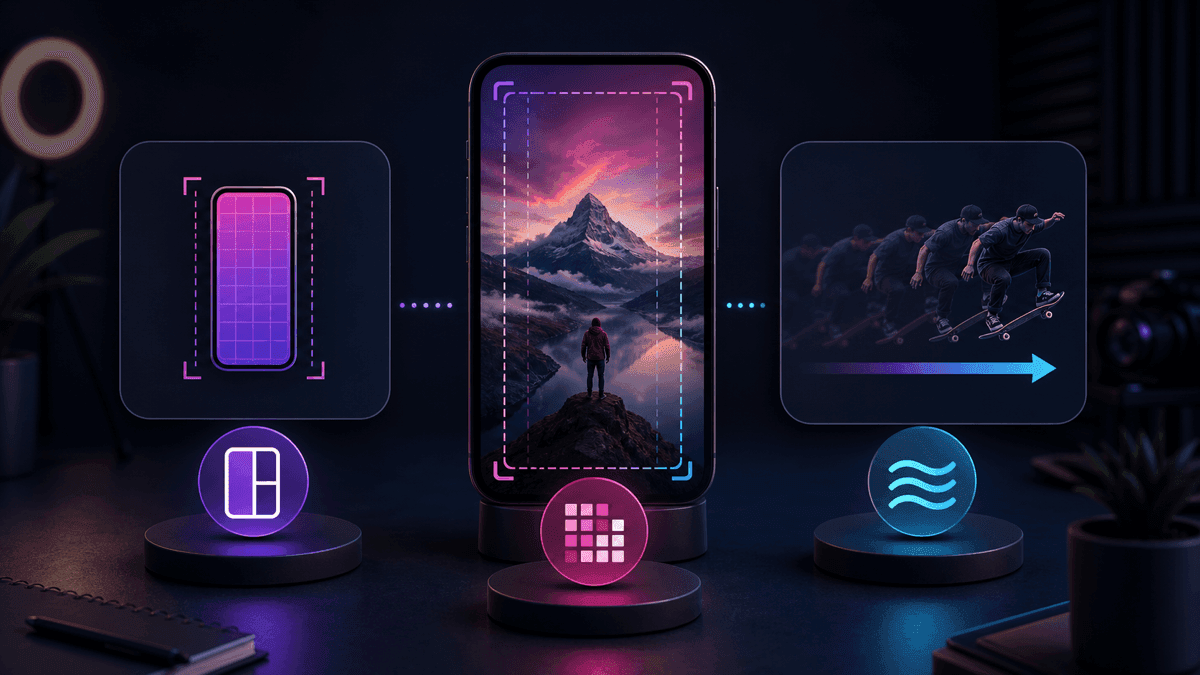
Short-form video is not just a smaller version of a horizontal video. The text has to survive a vertical mobile screen, platform overlays, silent autoplay behavior, and viewers who decide quickly whether to keep watching.
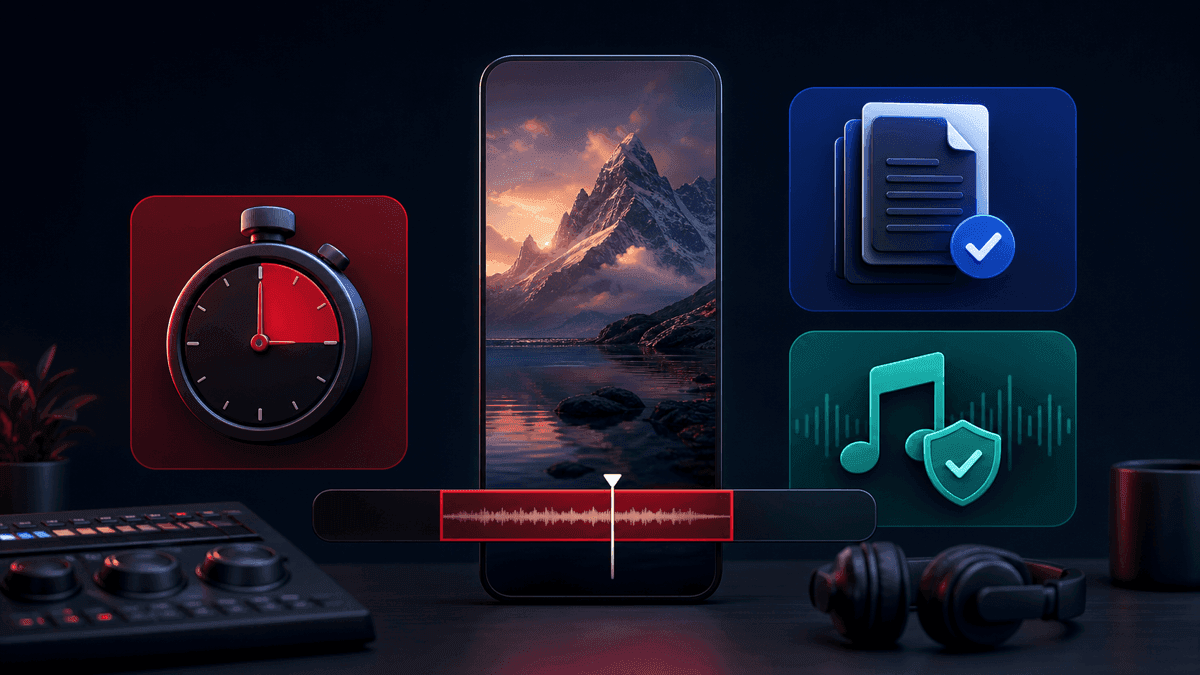
YouTube's official Shorts documentation says square or vertical videos uploaded after October 15, 2024 can be categorized as Shorts up to three minutes long. That expanded limit is useful for stories, explainers, and deeper tutorials, but most text-to-short-video drafts should still start shorter. A 25 to 45 second draft is easier to review for pacing, claims, caption timing, and visual relevance.
TikTok's Creative Codes guidance is also useful because it turns vague advice into production rules: create for vertical 9:16, use high-resolution footage, leave safe space for interface elements, and structure the video with a hook, body, and close. For AI-generated shorts, that means your source text should not ramble. It should lead with the promise, prove it quickly, and end with one action.
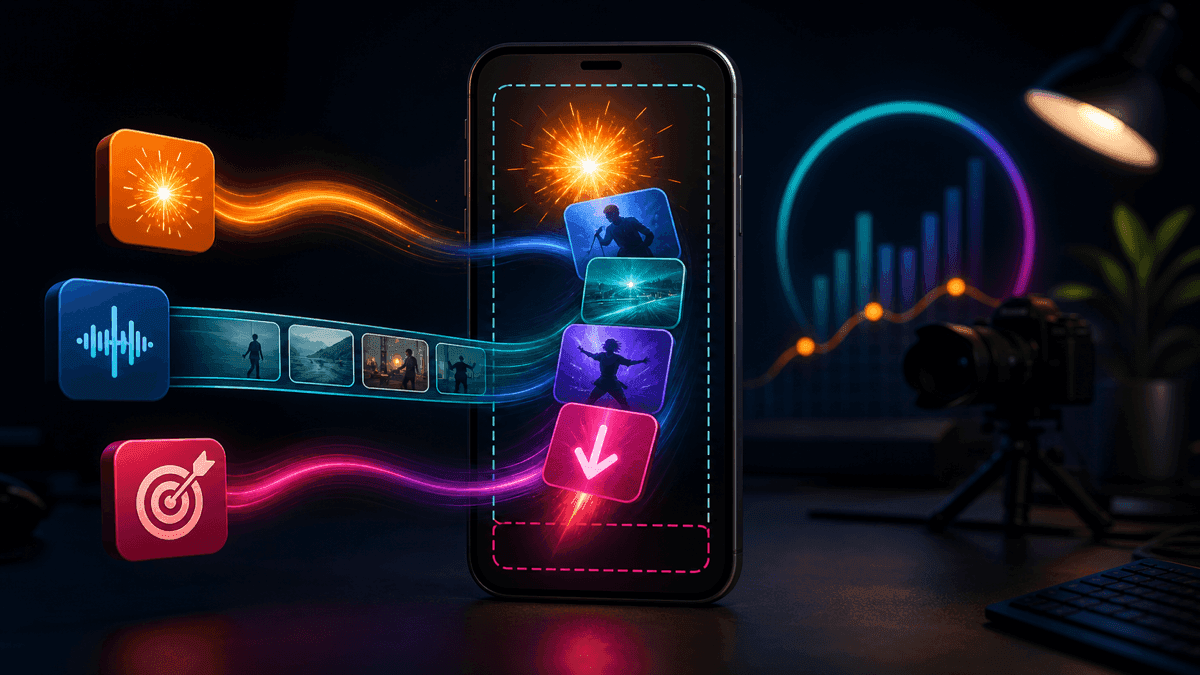
TikTok's current in-feed ad specification page, last updated in March 2026, lists 9:16 vertical as the recommended non-Spark orientation, with a minimum vertical resolution of 540x960, common video formats such as MP4 and MOV, a 500 MB maximum file size, and safe-zone guidance. Those are paid-ad specs, not a complete organic upload rulebook, but they are useful guardrails for any text-to-short-video export because they describe the mobile placement constraints.
Instagram's Reels help page says reels can be uploaded from 1.91:1 to 9:16, with at least 30 FPS and at least 720 pixels of resolution. For a cross-platform creator, 9:16 is still the simplest default. It lets you build one master video and then adapt the caption, cover, description, and CTA for each platform instead of redesigning the whole video.
Use this default brief for most first drafts:
| Setting | Practical default |
|---|---|
| Canvas | 9:16 vertical |
| Length | 25 to 45 seconds for most first tests |
| First line | Spoken or captioned in the first 1 to 2 seconds |
| Captions | Short lines, high contrast, away from UI-heavy edges |
| Audio | Clear voiceover first, background music second |
| Review | Check claims, pronunciation, caption timing, and disclosure rules |
A Practical Text to Short Video Workflow
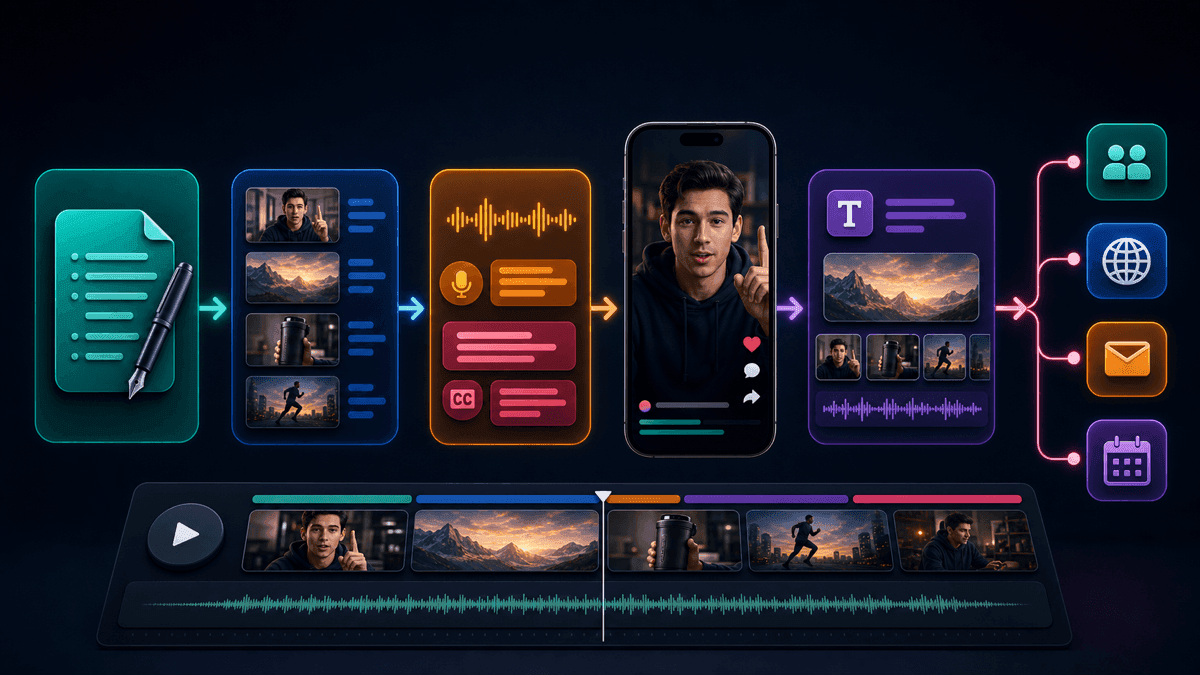
The workflow below works whether you are repurposing a blog paragraph, turning product copy into a demo, or creating a faceless video from a niche idea.
1. Decide What the Text Is For
Start by classifying the source text. A finished script should not be rewritten heavily. A rough paragraph should be compressed. A vague topic should be expanded into a hook and scene plan.
Ask:
- Is the wording final, or can the AI rewrite it?
- Is the video educational, story-led, promotional, or entertainment-first?
- Which platform is the first target?
- What should the viewer understand or do after watching?
This is where creators often choose the wrong tool. If you paste a finished script into a broad prompt generator, the output may drift away from approved wording. If you paste a vague idea into a script-to-video tool, the result may feel thin because the model has too little structure.
2. Compress the Text Into One Promise
A short video can handle one main promise. If the source text contains five arguments, pick the strongest one for the first draft. The rest can become separate videos in a series.
Weak promise:
This video is about how AI helps creators make content.
Stronger promise:
This video shows how one paragraph can become a 35-second Short with a hook, voiceover, captions, and scenes.
The stronger version gives the generator something to build. It defines the output, the viewer benefit, and the proof the video needs to show.
3. Turn the Text Into a Production Brief
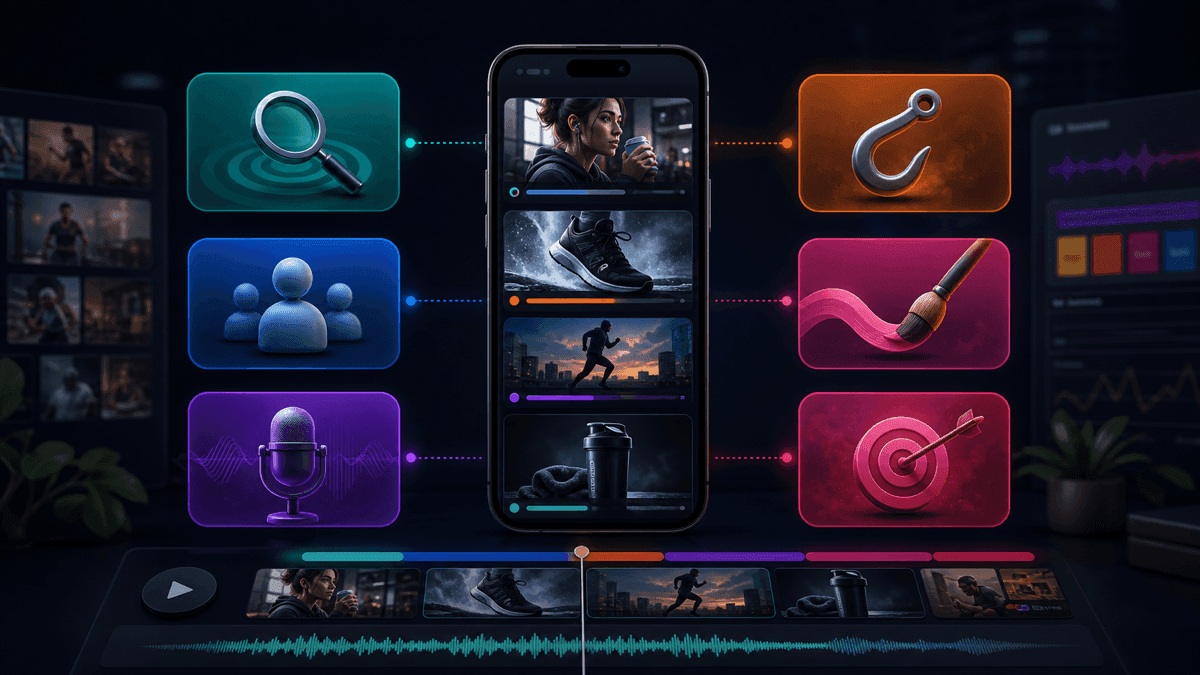
Instead of pasting source text with no context, wrap it in a production brief:
Create a 35-second vertical short video from the text below.
Audience: [specific viewer].
Platform: [TikTok, YouTube Shorts, Instagram Reels, or cross-platform].
Goal: [teach, explain, entertain, sell, summarize, or tell a story].
Opening line: [hook or promise in one sentence].
Voiceover tone: [direct, calm, curious, dramatic, founder-style].
Visual style: [clean educational, cinematic faceless, product demo, story-led].
Caption style: short lines, high contrast, no long paragraphs.
Beat structure:
1. Hook in the first 1 to 2 seconds.
2. Explain the problem or setup.
3. Show the proof, example, or turn.
4. End with one clear takeaway or CTA.
Source text:
[paste the text]
This prompt gives the AI a job beyond summarization. It tells the tool what to keep, what to compress, and how the final video should feel on a mobile feed.
For more reusable inputs, pair this guide with AI video prompts for Shorts and YouTube Shorts script templates.
4. Generate the First Draft
The first draft should prove the structure, not finish the final edit. In SwipeStory, the practical sequence is: add the text, choose the workflow, pick a voice and visual style, generate a draft, then review the result inside the editor before publishing or scheduling.
Judge the draft by these questions:
- Does the first line make the topic obvious?
- Does each scene support the same promise?
- Does the voiceover sound natural at short-form speed?
- Are captions readable without pausing?
- Is the visual style consistent enough for the channel?
- Would this same idea work as a series?
If the script is wrong, fix the script before adjusting colors, fonts, or music. Most bad AI shorts are not visually broken first. They are unclear.
5. Edit Captions Like They Are Part of the Script
Captions are not a decorative layer. They are the reading layer for silent viewers and the pacing layer for viewers who skim. Text-to-short-video tools can generate captions quickly, but you still need to check line breaks, spelling, and safe placement.
Keep caption lines short. Avoid placing key words at the bottom edge. Watch the video once without sound and once with sound. If either version is confusing, edit before export.
If captions are the main bottleneck, the AI short video maker and platform-specific tools such as the AI YouTube Shorts generator, AI TikTok video generator, and AI Reel generator are better next steps than exporting text, voice, captions, and clips from separate apps.
6. Create Platform Variations
Do not blindly post the exact same text-to-video output everywhere. The video can share the same core script, but packaging should change.
| Platform | Variation to test |
|---|---|
| YouTube Shorts | Searchable title, clear spoken promise, consistent channel topic |
| TikTok | Stronger conversational hook, faster setup, trend-aware language when relevant |
| Instagram Reels | Cleaner cover frame, polished caption layout, profile-grid-safe first frame |
This is where SwipeStory's series automation matters. If one text source becomes a strong format, turn it into five to ten related episodes with the same voice, visual style, and structure. Use the faceless AI video generator when the channel is intentionally no-camera, and check pricing before committing to a high-volume publishing schedule.
Three Text to Short Video Examples
Use these as starting points. Replace the source material, audience, and CTA with your own.
Blog Paragraph to Educational Short
Create a 35-second YouTube Short from this paragraph.
Audience: beginner creators who write blog posts but do not make videos yet.
Opening line: "One paragraph can become a Short if you stop treating it like an essay."
Beat 1: Show the paragraph.
Beat 2: Pull out one promise.
Beat 3: Rewrite it into four short voiceover beats.
Beat 4: Show captions and scenes matching each beat.
CTA: "Turn your next post into one short video."
Visual style: clean educational creator workflow.
Product Notes to TikTok Demo
Create a 30-second TikTok from these product notes.
Audience: creators who already have scripts but hate editing.
Opening line: "This is what happens when your script becomes the whole video timeline."
Beat 1: Show the script.
Beat 2: Show voice and style choices.
Beat 3: Show scenes and captions being created.
Beat 4: Show the finished vertical draft.
CTA: "Try it with one script."
Visual style: polished SaaS workflow, no fake logos, no fake analytics.
Research Notes to Faceless Story Video
Create a 40-second faceless story video from these notes.
Audience: viewers who like short historical mysteries.
Opening line: "This tiny detail changed how the story ended."
Beat 1: Set the scene in one sentence.
Beat 2: Reveal the overlooked detail.
Beat 3: Explain why it mattered.
Beat 4: End with a question for part two.
Visual style: cinematic, high-contrast, atmospheric but readable.
Voiceover tone: curious and grounded.
Text to Short Video Mistakes to Avoid
The most common mistake is treating written content as a voiceover script without adapting it. Written paragraphs often have long sentences, stacked clauses, and transitions that work on a page but feel slow in a video. Rewrite for speech.
The second mistake is asking for too many outcomes at once. A 35-second Short should not summarize a 2,000-word article, compare ten tools, explain a platform rule, and sell a product. Make one useful point and save the rest for a series.
The third mistake is ignoring disclosure and realism checks.
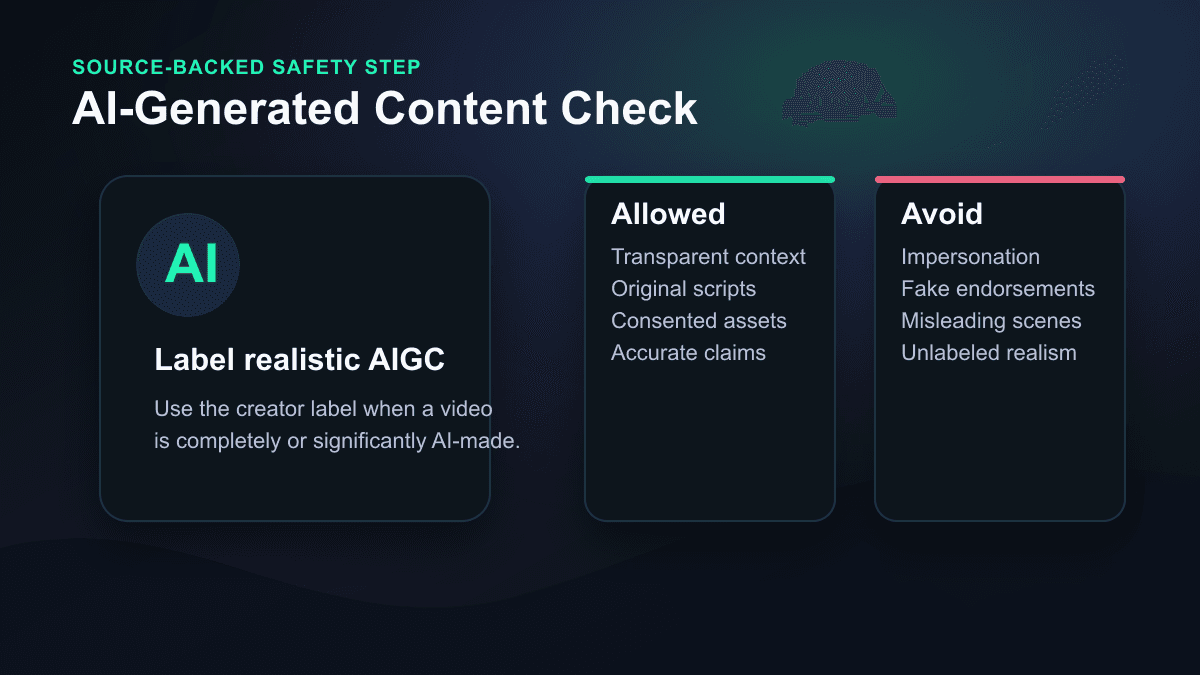
TikTok's AI-generated content help page says creators are required to label AI-generated content that contains realistic images, audio, and video. YouTube's altered or synthetic content documentation says creators must disclose meaningfully altered or synthetically generated content when it seems realistic, including scenarios where a real person appears to say or do something they did not do, real events or places are altered, or a realistic-looking scene is generated.
For normal text assistance, caption creation, idea generation, or clearly unrealistic visuals, the rules can be different. The practical habit is simple: before you publish, ask whether a viewer could mistake the video for real footage, a real person's voice, a real event, or a real endorsement. If yes, check the platform's disclosure flow.
When SwipeStory Is the Right Fit
Use SwipeStory when the goal is a complete short-form video from text, not only a generated clip. General text-to-video models are useful when you need a cinematic shot, a stylized animation, or a visual asset. A short-form publishing workflow needs more: script structure, voiceover, captions, music, editing, export, and scheduling.
SwipeStory is a strong fit for:
- Faceless education channels turning notes into explainers.
- Blog and newsletter teams repurposing written content.
- Founders turning product updates into short demos.
- Story channels turning outlines into narrated episodes.
- Agencies creating repeatable vertical videos for clients.
- Creators who want TikTok, Shorts, and Reels versions from one idea.
It is not the best first tool if your main job is clipping a long podcast or interview. In that case, a repurposing or clipping workflow may be more natural. If your source is text, notes, prompts, or scripts, a text-to-short-video workflow is cleaner because the tool can plan the script, scenes, voiceover, and captions together.
Frequently Asked Questions
Can AI turn a paragraph into a short video?
Yes. The best results come from giving the AI context around the paragraph: audience, platform, target length, hook, voiceover tone, visual style, and CTA. The tool should rewrite the paragraph into short spoken beats instead of reading the paragraph exactly as written.
What is the difference between text to short video and script to short video?
Text to short video starts with rough source material such as paragraphs, notes, outlines, or product copy. Script to short video starts with finished narration. Use text to video when rewriting is welcome, and use script to video when the final wording matters.
How long should a text-to-video Short be?
Start with 25 to 45 seconds for most first tests. YouTube can classify eligible square or vertical Shorts up to three minutes, but longer videos require stronger pacing and more careful claim review. Shorter drafts are easier to test and improve.
Do AI-generated short videos need labels?
Sometimes. TikTok requires labels for AI-generated content that contains realistic images, audio, and video. YouTube requires disclosure for meaningfully altered or synthetic content when it seems realistic. Check platform guidance before publishing realistic AI scenes, voices, impersonation-adjacent content, public-figure content, or synthetic real-world events.